Account
Account is where you manage your profile, your organisation, your team, and your billing. It has four tabs: Profile, Users, Roles, and Invoices.
Profile
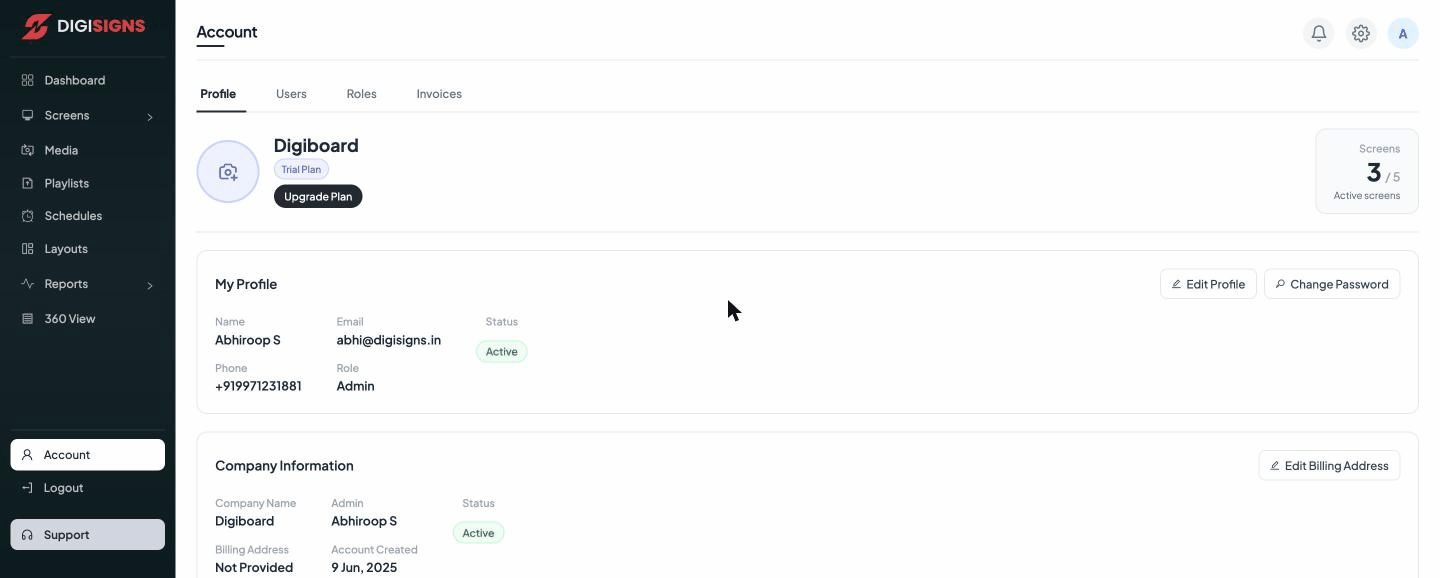
The Profile tab shows your organisation name and plan (with an Upgrade Plan button and your active-screens count), and two cards:
- My Profile — your name, email, phone, role, and status. Use Edit Profile to update details, or Change Password to set a new password.
- Company Information — your company name, admin, billing address, and account-created date. Use Edit Billing Address to add or change billing details.
Users
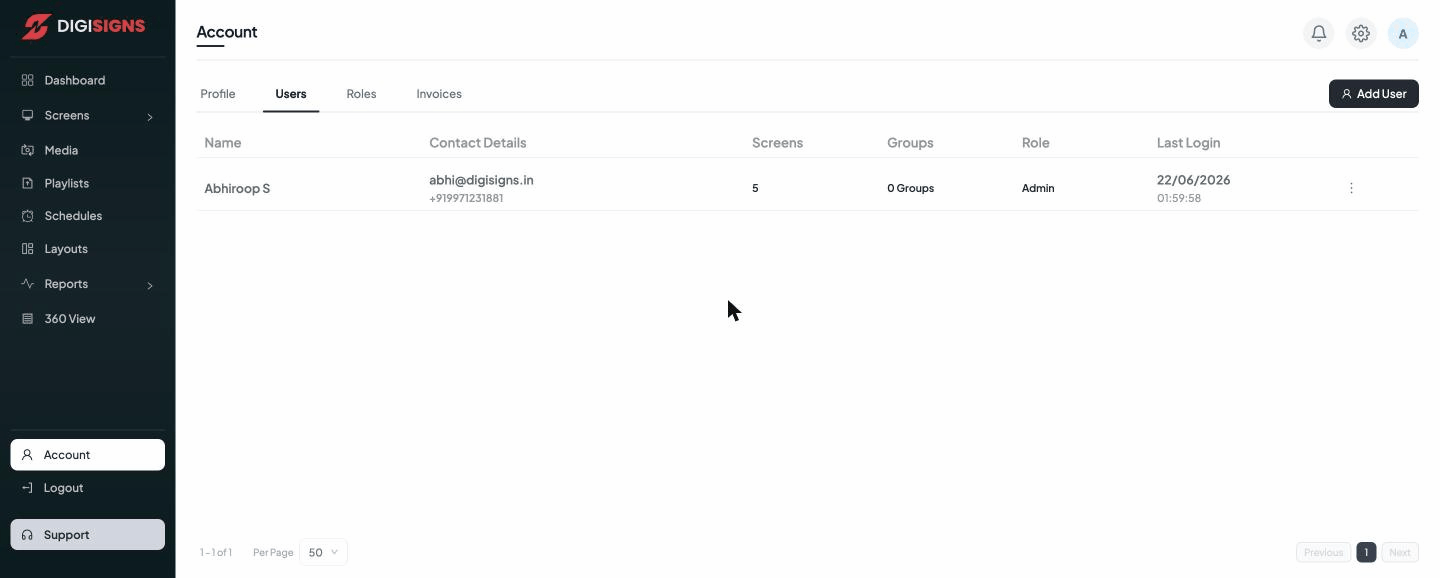
The Users tab lists everyone on your account with their contact details, the screens and groups they can access, their role, and their last login. Click Add User to invite a team member; the row menu lets you edit or remove a user.
Roles
The Roles tab defines what each role can do — which sections and actions are available to Admins, editors, viewers, and any custom roles you create. Assign a role to each user to control their permissions.
Invoices
The Invoices tab is your billing history — past invoices and payments for your subscription, available to view and download.
Note
The number of users you can add and the roles available depend on your subscription
plan. See your limits in 360 View or upgrade from the Profile tab.